Features
Try every change before customers see it
A sandbox is a copy of your workspace’s setup. Try a new workflow, rule or AI agent change on pretend customers, and only then change what is live.
Get startedOn Agency and above.
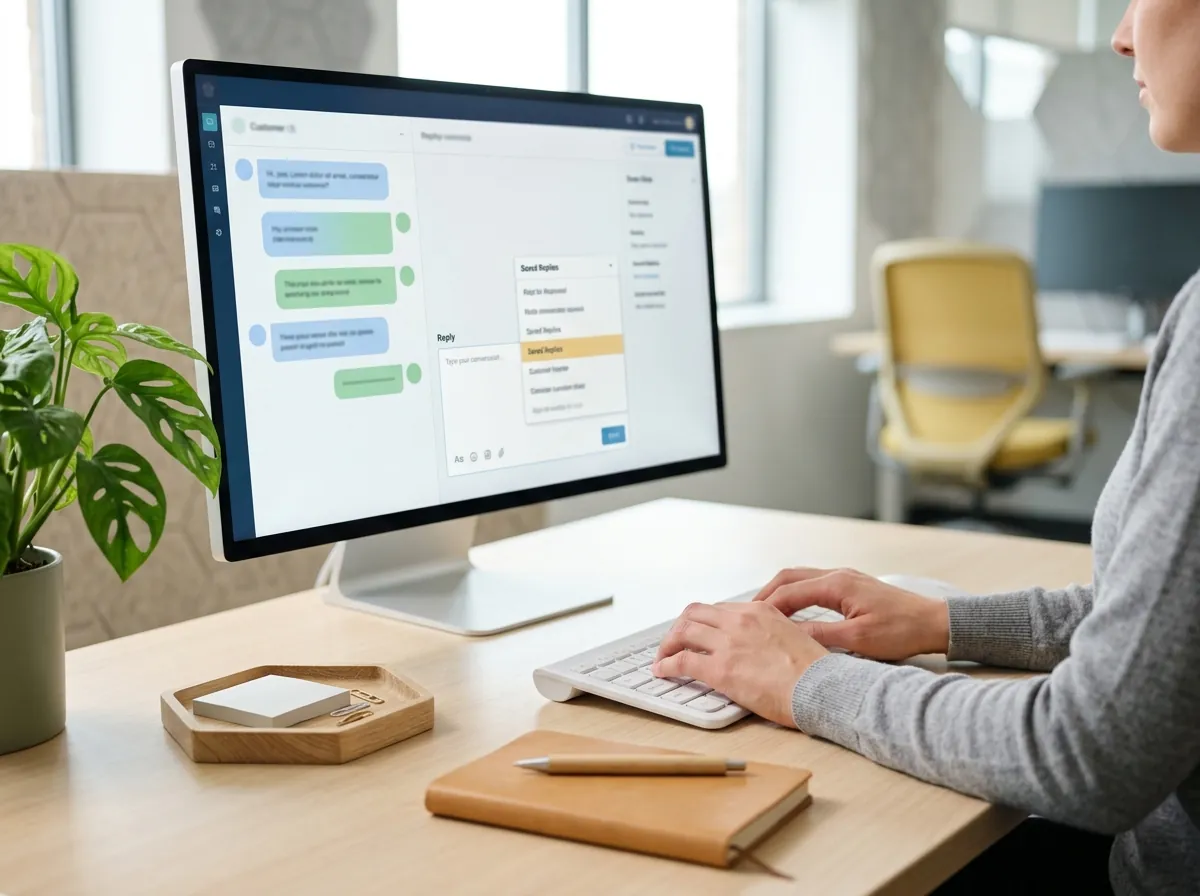
From a change to a safe test
- 1
Make a sandbox
Copy the workspace’s setup.
- 2
Change it
Edit workflows, rules and the AI agent in the copy.
- 3
Test with pretend customers
Nothing reaches a real customer.
- 4
Apply what worked
Then make the same change live.
What a sandbox is for
A place to be wrong without a customer seeing it.
- A copy of the setup
- Your configuration, not your customers.
- Pretend customers
- Test conversations that are never sent to real people.
- Workflows and rules
- Check what a workflow does before it runs live.
- The AI agent
- See how it answers after you change its knowledge.
Questions
Can a sandbox email real customers?
No. It works with pretend customers.
Does it copy my data?
It copies your setup, such as workflows and rules, not your customers.
Which plan includes it?
Agency and Enterprise.
Goes well with
- Workflows
- Campaigns
- AI knowledge
- AI procedures
- AI quality
- Routing and supervision
- WhatsApp calls
- CRM sync
- Known issues and case status
- Reporting and API
- Content library
- Website analytics
- Reviews
- Employee advocacy
- Paid ads
- Listening
- Analytics and reports
- Plan and publish
- Links and link in bio
- Ticket processes
- Customer portal
- Ticket apps
- AI memory
- Staffing forecasts
- The shared inbox
- Webhooks: Zapier, Make, n8n
Test it where nobody is waiting